 STRATAL
Connect
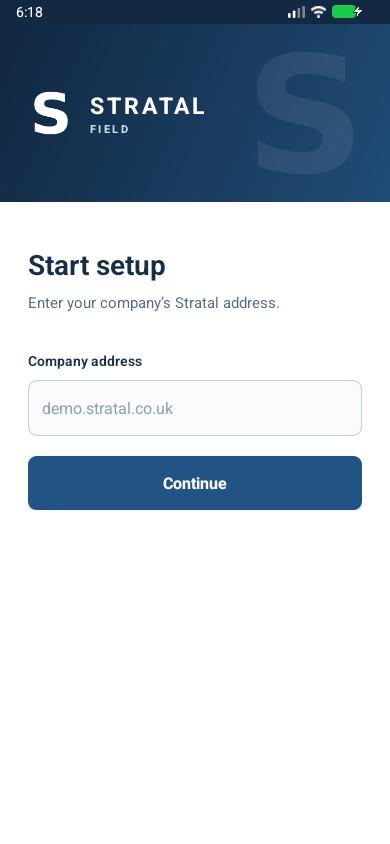
Enter the company address supplied by your Stratal administrator.
Stratal Field for Android
Use your organisation’s Stratal address to reach the Android workspace. Sign in, then open the jobs and field tools available to your role.
Shown using a Stratal demo workspace. Access and available tools depend on your organisation.
Inside Stratal Field
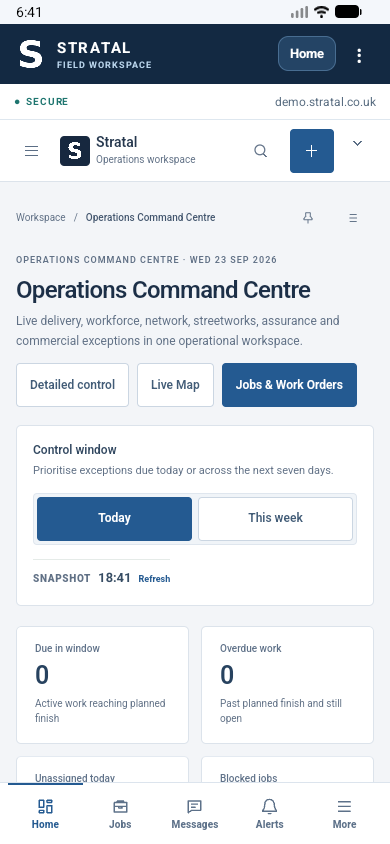
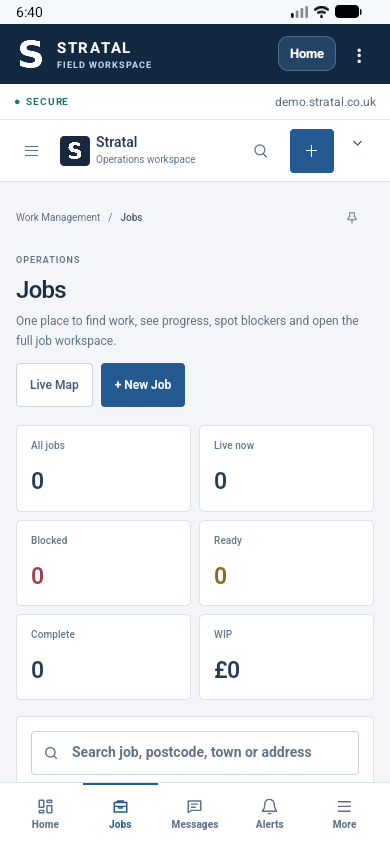
These are captures of the Android app connected to a demo workspace, shown in a device frame. Your organisation’s data, permissions and available modules will differ.
A straightforward rollout
Enter the company address supplied by your Stratal administrator.
Use your authorised account. Access follows your organisation’s security and role settings.
Open the jobs, messages and field workflows available to your role and deployment.
Stratal Field opens your organisation’s existing workspace. Your company address selects the right deployment; your account and permissions determine which jobs, messages and field tools appear. The screens shown here use demo data, so the view in your own organisation may differ.
Read the privacy notice →Other ways to work
Stratal also offers Enterprise Desktop and an installable browser-based Field PWA. Compare all three before planning devices and rollout.
See Stratal in your operating context